Add your words
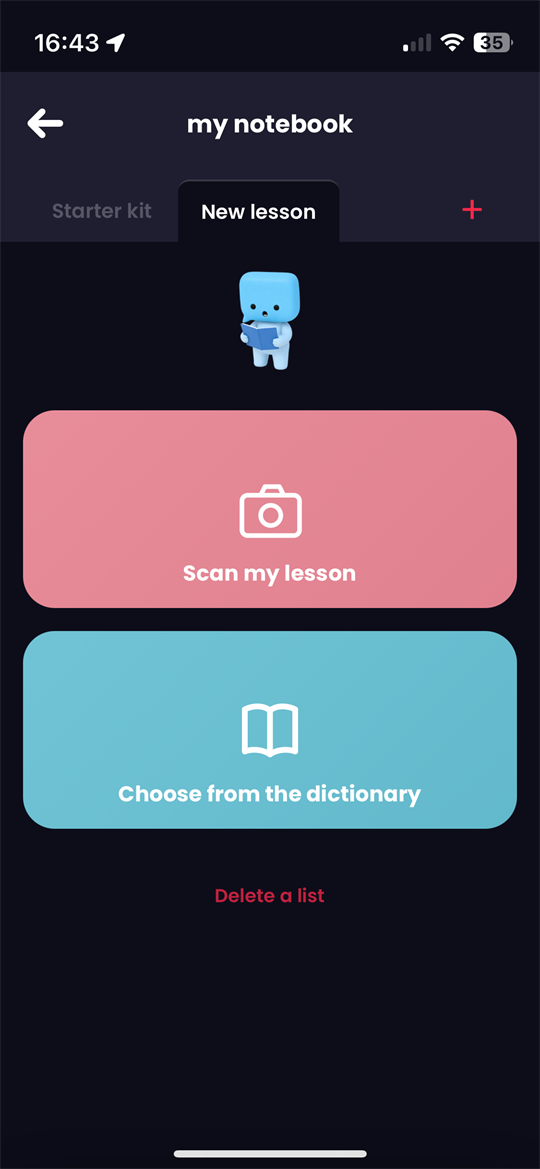
Scan a lesson, add a list, or pick a few words. Zebrik helps you review them, then use them in simple sentences.

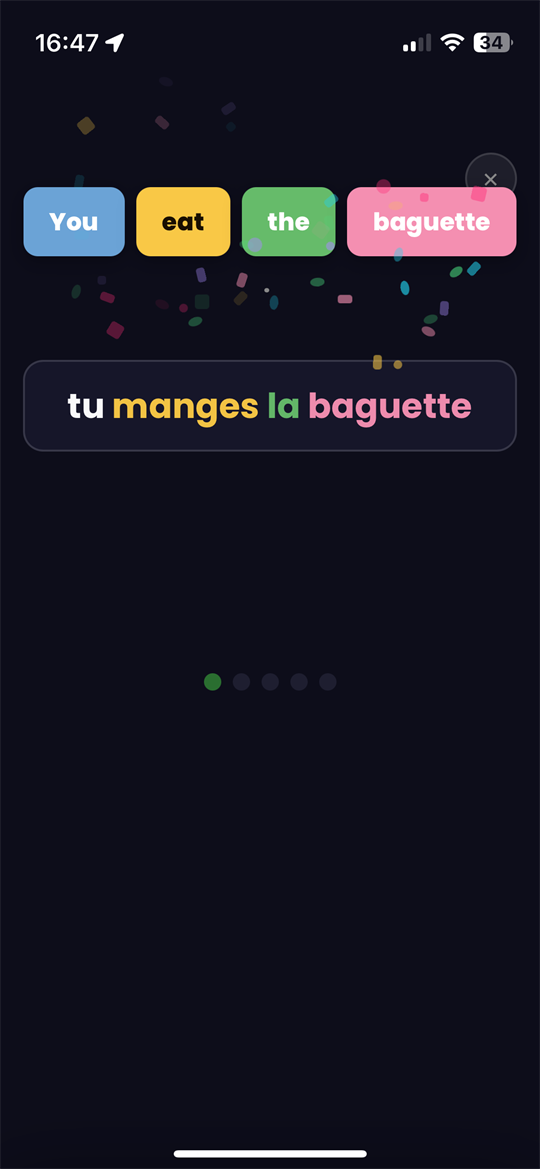
The goal is not to collect more and more words, but to learn how to use them. Zebrik turns your vocabulary into bricks you can review, handle, and combine in simple sentences.
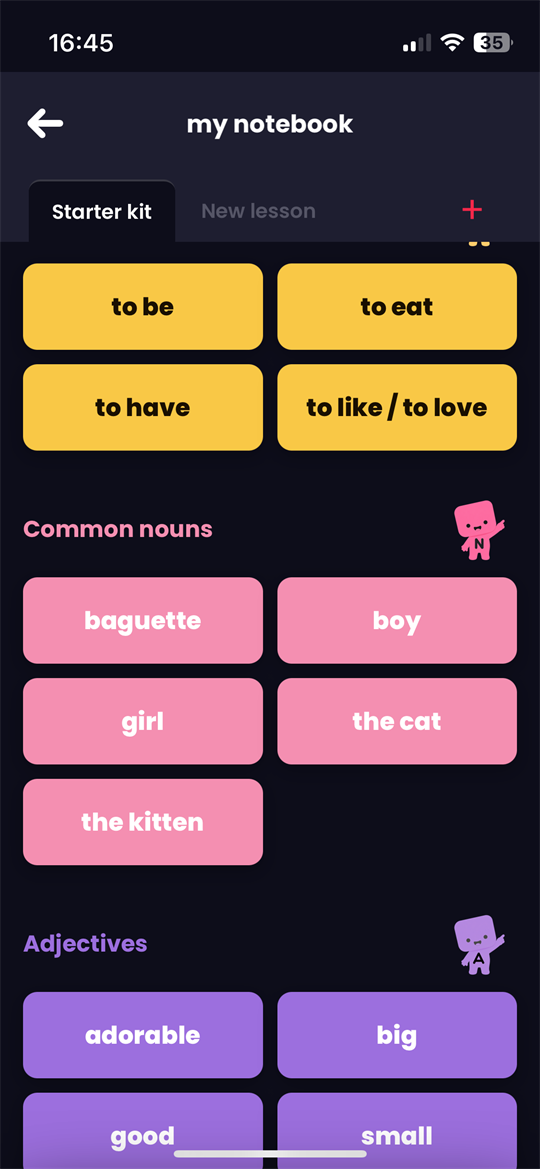


Scan a lesson or add a list: your words stay accessible whenever you want to review them.
Your words stay available anywhere, even on the bus.

By building sentences, you can see which words you recognize — and which ones you can actually use.
Zebrik doesn't start with a fixed list. It starts with your words: a lesson, a topic you care about, or a real-life situation.
When the words match what you actually want to say, practice feels more useful. Zebrik helps you memorize them, handle verbs and function words, and build simple sentences.
My words
Games and sentences
Mini review gameLe petit chaton est adorable.
Yes. Zebrik is free during its beta version.
It's not required to try Zebrik, but it's recommended. With an account, you can find your lists again, keep your words and track your progress.
Yes. Zebrik runs directly in your browser, on desktop, tablet, or smartphone. You don't need to go through an app store or download a traditional app.
Open Zebrik on your phone, then use your browser menu and choose "Add to Home Screen". Zebrik will appear like an app, so you can get back to your words faster whenever you need them.